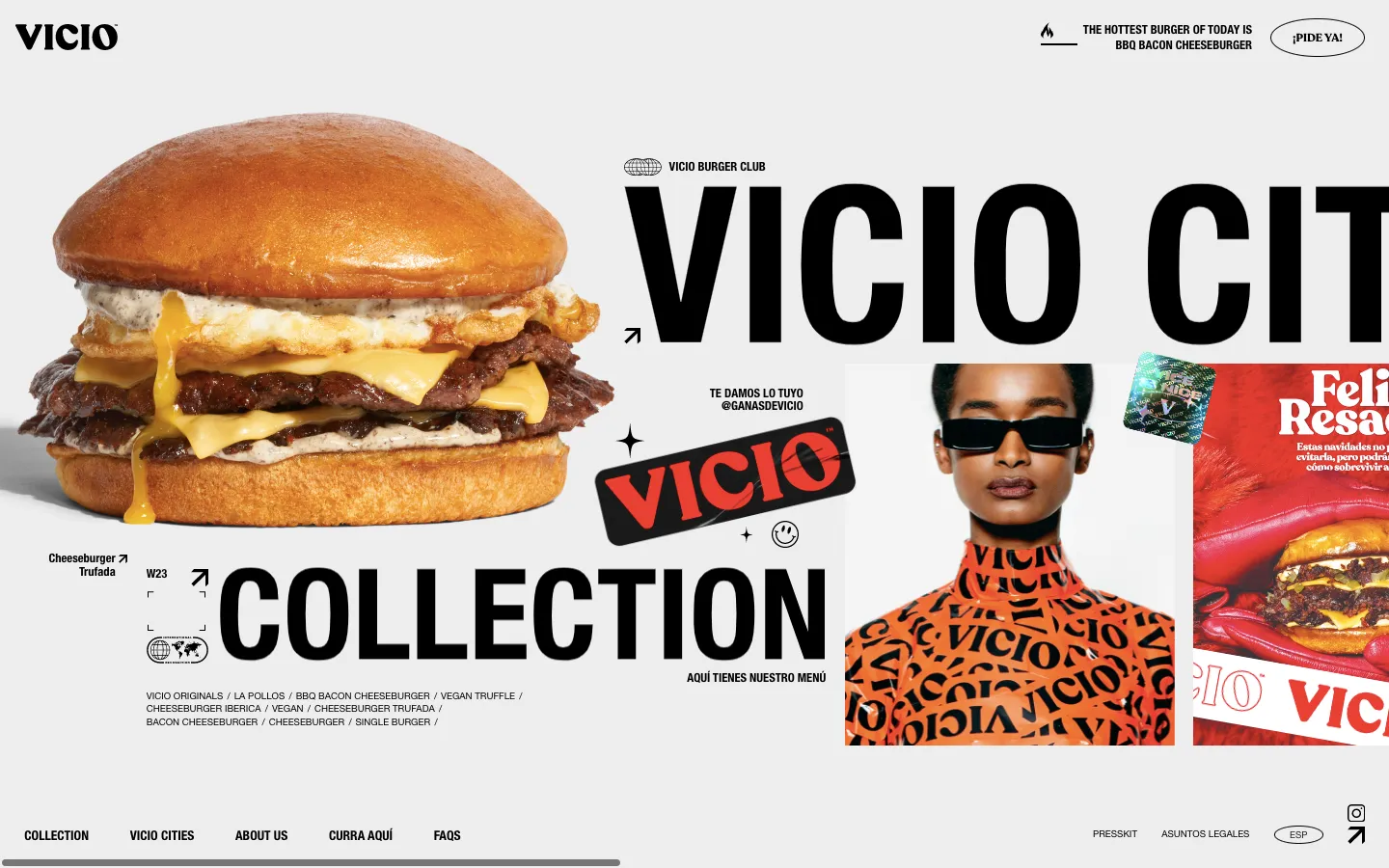


Animation can be the most time-consuming aspect of designing and building a site in Webflow. In this video, we'll explore five amazing Webflow clonables that can help you reduce the time spent on animations and enhance your design process. Let's dive in!
Five Webflow cloneables that cut animation build time: a Parallax effect that fixes images within bounds while text moves; a card Stacking animation using scale and brightness reduction; a Roadmap animation built with spacers and scroll triggers (used on the Clicks landing page); a People animation of bubbles appearing on scroll via scroll triggers; and a cinematic Genius animation achieved entirely within Webflow. Each reduces the time-consuming animation work in Webflow design.
Part of our guide: Webflow Guides
Need this done rather than explained? Webflow development, Webflow SEO and monthly Webflow Care are all delivered by Arnau directly.
First up is a Parallax effect animation. As we scroll through, you'll notice the images on the sides sticking to the background while the Parallax text moves elegantly. By exploring the file, you'll discover the magic lies in fixing the image within specific bounds, creating a stunning effect with minimal effort.
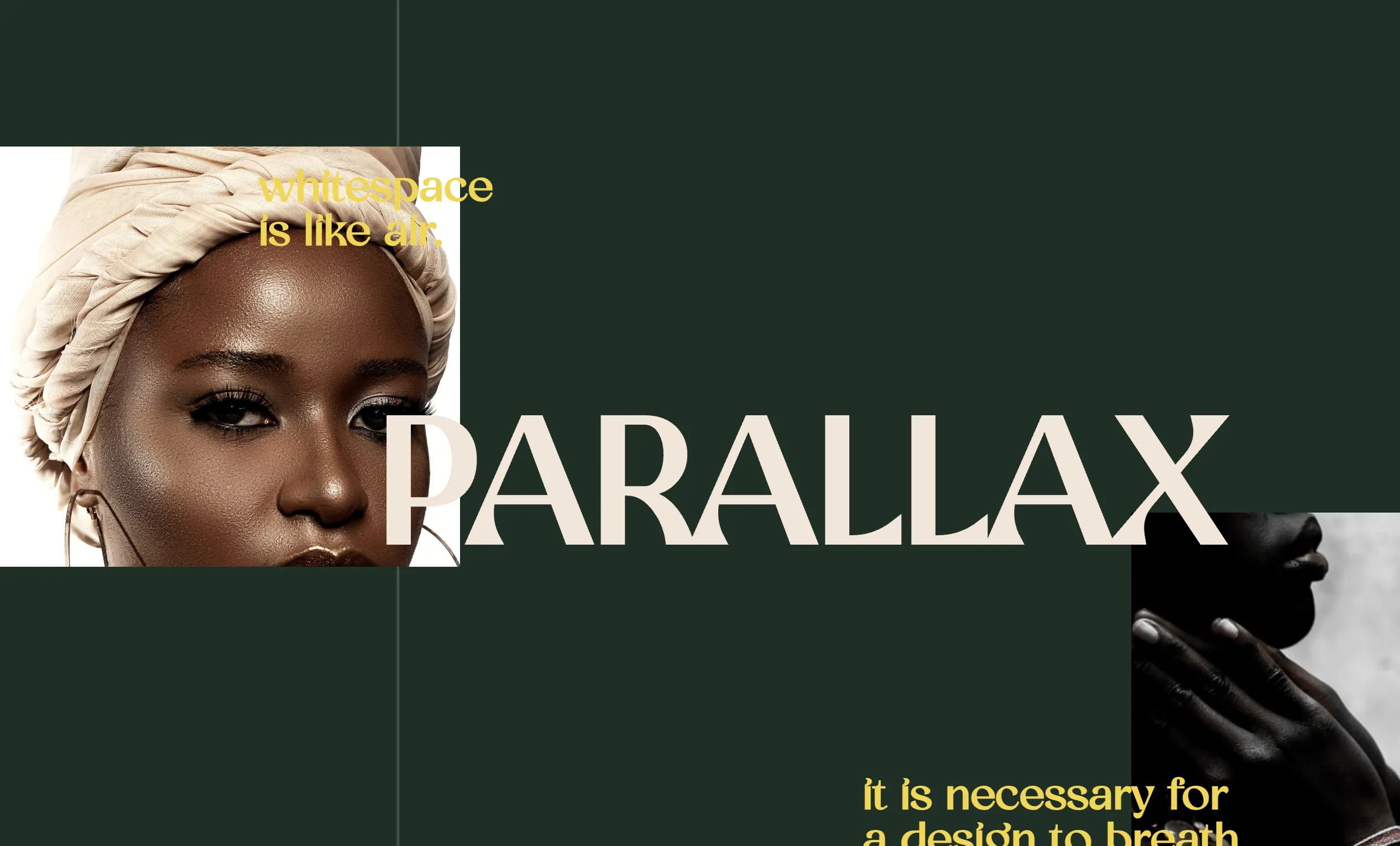
Next, we have a simple stacking animation for cards. Instead of intricate adjustments, this clonable offers a straightforward solution. By reducing the scale and brightness of each card as they stack, a seamless transition is achieved effortlessly.

Moving on to a more advanced feature, we encounter a roadmap animation that appears complex at first glance. However, a closer look reveals a clever technique using spacers and scroll animations to create the illusion of a detailed roadmap. By adjusting spacer sizes dynamically, the animation unfolds with finesse.

Transitioning to a unique animation, we witness bubbles gracefully appearing as we scroll. Through a smart combination of design elements and scroll triggers, the bubbles come to life seamlessly, adding a touch of whimsy to the site.
Lastly, we encounter a breathtaking animation that seems almost cinematic. Despite its intricacy, the animation is achieved within Webflow, showcasing meticulous attention to detail. Each element dances harmoniously, demonstrating the power of Webflow animations at their finest.
These clonables not only showcase the artistry of animation but also provide insights into creating captivating designs with ease. Dive into the world of Webflow animations and unleash your creativity. Discover the possibilities that await in the realm of dynamic web design. #Webflow #Animation #DesignInnovation