

Building a Framer site in nine minutes starts with defining the site's purpose and target audience, then structuring it with core components: a navigation bar, hero section, and feature highlights. Customize color schemes, typography, and branding, then enrich it with pricing tables, footers, and FAQs. Use Framer's design customization for animations and interactive elements, and test responsiveness across screen sizes before publishing to ensure a seamless experience.
Part of our guide: Design Skills & Career
Want a senior designer on tap instead? The Design Partner subscription covers Figma, Webflow and Framer work for a flat monthly fee. See pricing.
Building a website with Framer in just nine minutes may sound like a daunting task, but with the right tools and a bit of creativity, it can be an exciting challenge. From designing the layout to adding interactive elements, creating a website that stands out doesn't have to be a time-consuming process.
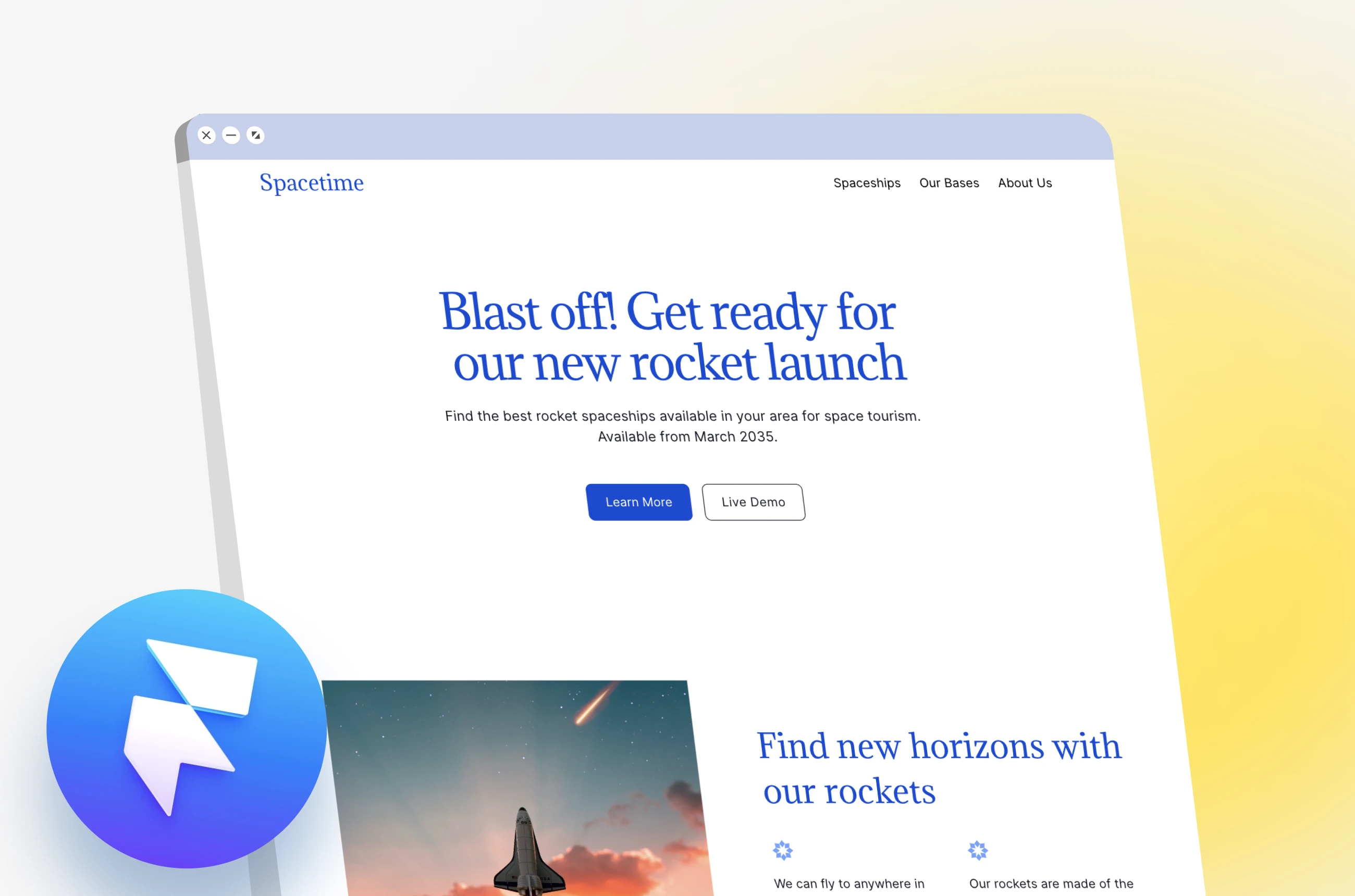
To begin, having a clear vision of your website's purpose and target audience is crucial. Whether you're showcasing a product, sharing information, or promoting an idea, understanding your goals will guide the design process. With Framer's intuitive interface and powerful features, bringing your vision to life becomes a seamless experience.
Starting with the basics, structuring your site with components like a navigation bar, hero section, and feature highlights sets the foundation for an engaging user experience. Incorporating elements such as color schemes, typography, and branding elements not only enhances the visual appeal but also creates a cohesive look and feel.
As you progress with your design, exploring additional sections like pricing tables, footers, and FAQs can further enrich the user's interaction with your site. Customizing these components to align with your brand identity and messaging ensures a consistent and polished end result.
One of the key benefits of using Framer is its flexibility in design customization. From adjusting color schemes to adding animations and interactive elements, the platform offers a wide range of options to make your website dynamic and engaging. Experimenting with different layouts, styles, and content placements can help you find the perfect balance between aesthetics and functionality.
When it comes to publishing your site, ensuring responsiveness across various devices is essential. Testing how your design adapts to different screen sizes and resolutions can help guarantee a seamless user experience no matter how visitors access your site.
In conclusion, building a website with Framer in a time-efficient manner requires a blend of creativity, strategy, and technical skills. By leveraging Framer's features and exploring innovative design concepts, you can create a visually stunning and user-friendly website that captivates your audience. So, why wait? Dive into the world of web design with Framer and bring your ideas to life in just nine minutes!