

Today, we're diving into the world of Framer – a design tool that has been gaining traction in the design community. With its unique features and capabilities, many designers are considering adding Framer to their toolkit. But is it worth the investment of your time and effort?
Framer is a design tool often described as "Figma, but for web publishing," letting designers create responsive, interactive designs and publish them directly to the web. Its strengths are a Figma-like canvas, dynamic visible breakpoints, direct web publishing, and cost-effectiveness for simple projects like landing pages and portfolios. For complex projects or advanced functionality, Webflow remains the better fit, so whether to learn Framer depends on your specific project requirements.
Part of our guide: Design Skills & Career
Want a senior designer on tap instead? The Design Partner subscription covers Figma, Webflow and Framer work for a flat monthly fee. See pricing.
Framer is often described as "Figma, but for web publishing." It allows designers to create interactive and responsive designs that can be published directly to the web. This sets it apart from traditional design tools like Figma or Adobe XD, which focus primarily on design creation rather than web publishing.
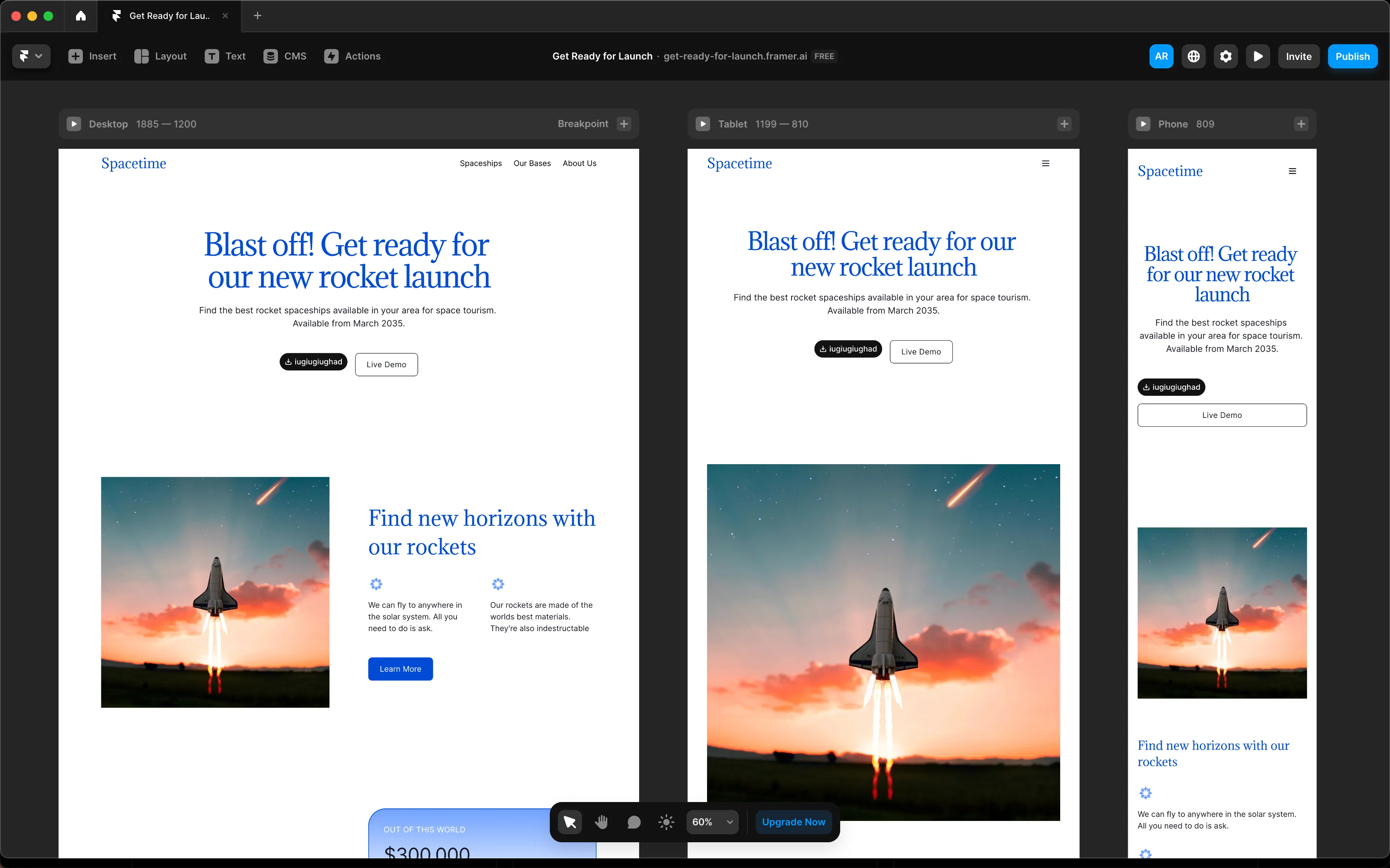
Framer offers a design experience similar to Figma, with the ability to freely move elements around the canvas. This makes it easy for designers familiar with Figma to transition to Framer seamlessly.
One standout feature of Framer is its visible breakpoints, which adjust dynamically based on the content added to the design. This makes it easier to design responsive layouts without the need for extensive manual adjustments.
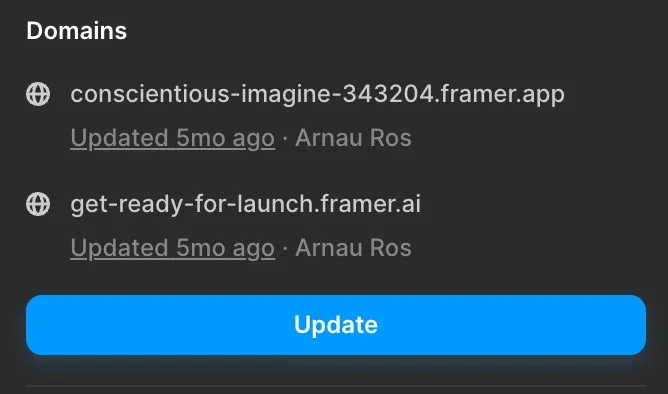
The ability to publish designs directly to the web is a game-changer for designers who want to showcase their work or create interactive prototypes for client presentations.
For simple projects like landing pages or portfolios, Framer can be a cost-effective alternative to more complex design and development tools like Webflow. It offers a faster workflow and simplified design process for smaller-scale projects.
While Framer offers several advantages, it's essential to consider its limitations compared to tools like Webflow:
Framer is primarily focused on web design and lacks the robust features for complex web applications or CMS-driven websites.
Webflow offers more extensive design and development capabilities, making it suitable for larger-scale projects with advanced functionality.
With the recent release of Framer AI, there's been speculation about the future direction of the platform. While Framer AI promises automated design solutions, its current output tends to have a distinct design style that may not suit every project or brand.
Ultimately, the decision to learn Framer depends on your specific needs and project requirements. If you're looking for a tool to create simple, responsive web designs quickly, Framer could be a valuable addition to your toolkit. However, for more complex projects or advanced functionality, tools like Webflow may be a better fit.
As with any design tool, it's essential to evaluate its features, capabilities, and suitability for your projects before investing time and effort into learning it. Whether you choose to explore Framer or stick with your existing toolkit, the most important thing is to use the tools that best suit your workflow and project goals.